

Ready to play in 60 seconds

Bonus terms & conditions apply.
Libra Spins Casino Mobile App: Play on Android and iOS
Libra Spins Casino on Mobile
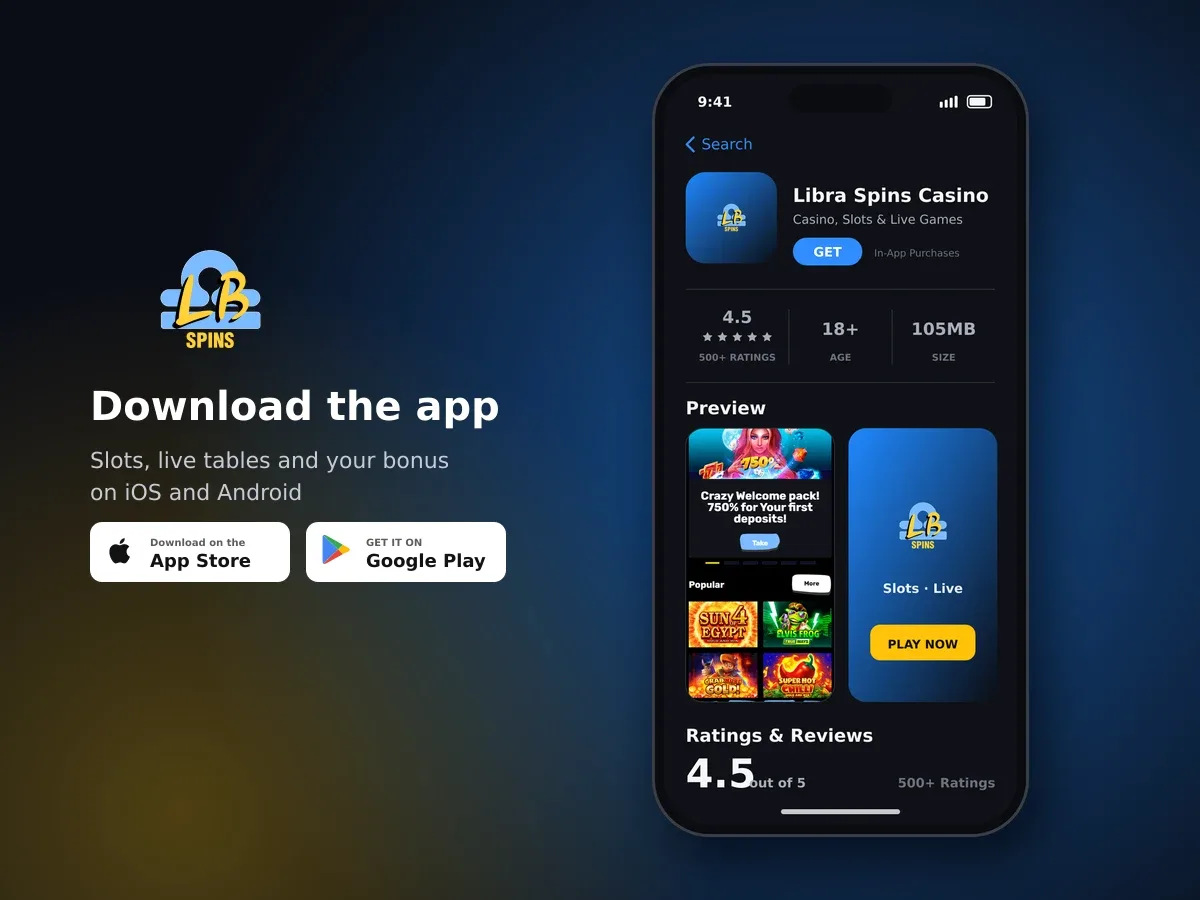
Libra Spins Casino
- 4.5 500+ ratings
- 105MBSize
- 18+Age
- 20K+Downloads
Mobile access: Android app or iOS browser
You can choose the mobile route that suits your device. A native Android app is available for compatible devices, while iPhone and iPad users can access the full experience through a mobile browser. The browser option works without an installation, so you can start from a current browser and save a home-screen shortcut for quicker access later.

Your welcome bonus is waiting
Current versions of Chrome, Safari and other mainstream mobile browsers are supported. The mobile-browser route is designed for both Android and iOS, while desktop versions of the games are optimised for these mobile browsers.
| Route | Device | How it works | Installation |
|---|---|---|---|
| Android app | Compatible Android devices | Use the installed Android access route | App installation required |
| Mobile browser | Android and iOS | Open the full mobile-browser experience | No installation required |
| Home-screen shortcut | Android and iOS browsers | Save a shortcut for faster access | Uses your browser |
iOS access needs no installation
On iOS, open a supported mobile browser and use the browser-based route. You can save a home-screen shortcut if you want quicker access next time.
Choose your mobile route
Use the installed Android app on a compatible device, or open the mobile-browser experience on Android or iOS.
How to start using the mobile app
Getting started depends on the device in your hand. Android users can use the native app where their device is compatible. iOS users can open a supported browser instead, with no separate installation needed.
- Choose the route for your device
Use the Android app on a compatible Android device. On iOS, open a current version of Safari or another mainstream mobile browser.
- Open your account
Launch the app or browser route and sign in to your existing account. Your mobile access uses the same account as your other access routes.
- Save a shortcut if you use the browser
Add the mobile-browser route to your device home screen. This gives you a direct shortcut without installing an iOS app.
- Use the mobile services you need
Your account gives access to casino, live casino, sportsbook, esports and virtual sports. The same balance and payment options are available across the app and browser.
- Keep your account controls close
Deposit and loss limits can be configured from your account. Cooling-off and self-exclusion tools are also available if you want a break from play.
The mobile route is useful when you want to move between services without creating separate accounts. Your account stays connected across the Android app and browser access, so you do not need a separate mobile profile.
- Compatible Android device for the native app
- Current Chrome, Safari or another mainstream mobile browser
- A stable internet connection for app and browser access
- Your existing account details
- A saved home-screen shortcut if you prefer browser access
What stays the same across the app and browser
Mobile access connects to the same account whether you use the Android app or a browser on Android or iOS. Your balance and payment options are shared between the two routes, so changing device does not mean starting again.
You can move between casino, live casino, sportsbook, esports and virtual sports from mobile access. The Android app provides an installed route, while the browser option gives Android and iOS users access without a separate installation.
| Feature | Android app | Android browser | iOS browser |
|---|---|---|---|
| Installed access | Available on compatible devices | Not required | Not required |
| Browser access | Separate route | Supported | Supported |
| Account balance | Shared account balance | Shared account balance | Shared account balance |
| Payment options | Shared account options | Shared account options | Shared account options |
| Home-screen shortcut | App icon provides access | Can be saved | Can be saved |
A browser shortcut can be useful if you switch between devices or prefer not to install an app. It opens the mobile-browser route directly, while the Android app remains available as an installed access option for compatible devices.
You can also reach support from mobile. Live chat and email are available 24 hours a day, every day, including for cashier enquiries.
Mobile support, security and player controls
Mobile access includes practical help when you need it. Live chat and email support run around the clock, so you can ask for assistance from an Android app or mobile browser at any time.
All connections are SSL-encrypted. This applies when you use the available mobile access routes, helping protect the connection between your device and your account.
- Live chat support is available 24/7.
- Email support is available 24/7.
- Cashier enquiries can be handled from mobile.
- Deposit and loss limits are available as account controls.
- Cooling-off periods range from 24 hours to 6 weeks.
- Self-exclusion is available for a minimum of 6 months.
- Mobile access is for players aged 18 and over.
Use the controls before you need a break
Set deposit or loss limits from your account, or choose a cooling-off period when you want time away. Self-exclusion can be set for a minimum of 6 months.

Spin today, win today
The mobile format makes these controls available alongside your normal account access. Take a moment to choose the setting that matches how you want to play, and contact support through live chat or email if you need help using an account feature.
A simple mobile setup for everyday access
For Android users, the native app is the most direct installed route when the device is compatible. For iOS users, the mobile browser provides access without installation. Both choices are designed for regular mobile use and connect to the same account.
If you prefer a clean home screen, save a browser shortcut after opening the mobile route. If you change between Android and iOS, your account balance and payment options remain shared, so the switch is straightforward.
| Before you start | What to do |
|---|---|
| Android device | Use the native app if the device is compatible |
| iPhone or iPad | Open a current Safari or other mainstream browser |
| Faster browser access | Save a shortcut to your device home screen |
| Need assistance | Use 24/7 live chat or email support |
| Want more control | Set a deposit limit, loss limit or cooling-off period |
Keep your browser current for the best supported experience. Chrome, Safari and other mainstream mobile browsers are supported, and the mobile-browser route works across Android and iOS without an installation.
Use Libra Spins Casino on mobile
Choose the Android app or open the browser route on Android or iOS. Your account, balance and payment options stay connected.
Mobile App: questions and answers
Is a Libra Spins Casino mobile app available for Android?
Yes. A native Android app is available for compatible devices. You can also use the mobile-browser route if you prefer not to use the installed app.
Can I use Libra Spins Casino on an iPhone or iPad?
Yes. Open a current mobile browser such as Safari on iOS. No installation is required, and you can save a home-screen shortcut for quicker access.
Which mobile browsers are supported?
Current versions of Chrome, Safari and other mainstream mobile browsers are supported across Android and iOS.
Do the app and browser use the same account?
Yes. The Android app and browser route use the same account, with a shared balance and payment options.
Can I contact support from mobile?
Yes. Live chat and email support are available 24/7 from mobile, including for cashier enquiries.
Are player-control tools available on mobile?
Yes. Deposit and loss limits, cooling-off periods from 24 hours to 6 weeks, and self-exclusion for a minimum of 6 months are available through your account.